
Pixel art is usually tiny, often just 32×32 or 64×64 pixels. When a photo gallery, social app or website shows a small image at a larger size, it fills in the gaps by blending neighbouring colours. That smoothing turns hard pixel edges soft, which is why your pixel art looks blurry.
The fix is to make the image big before anything else resizes it. When you export from Inktica, raise the Upscaling multiplier. Every pixel becomes a solid block of identical pixels, so the edges stay sharp no matter where the image is shown.

How to export sharp pixel art
- Open your drawing and tap ⋮ in the top-right corner.
- Tap Export.
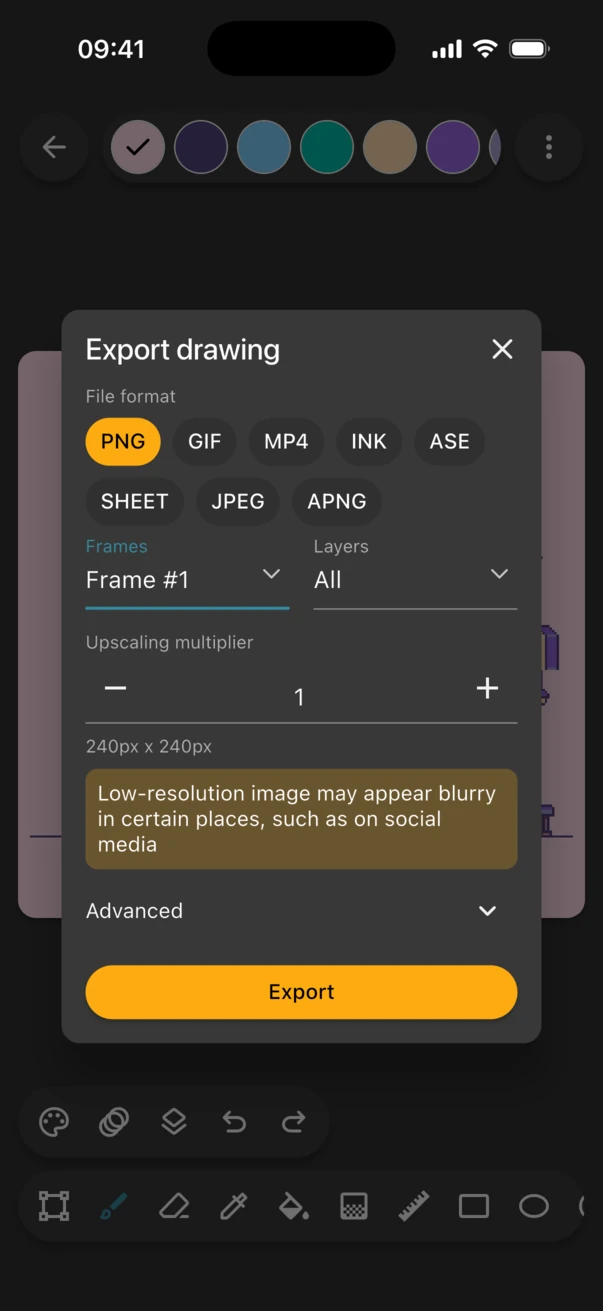
- Under File format, choose PNG.
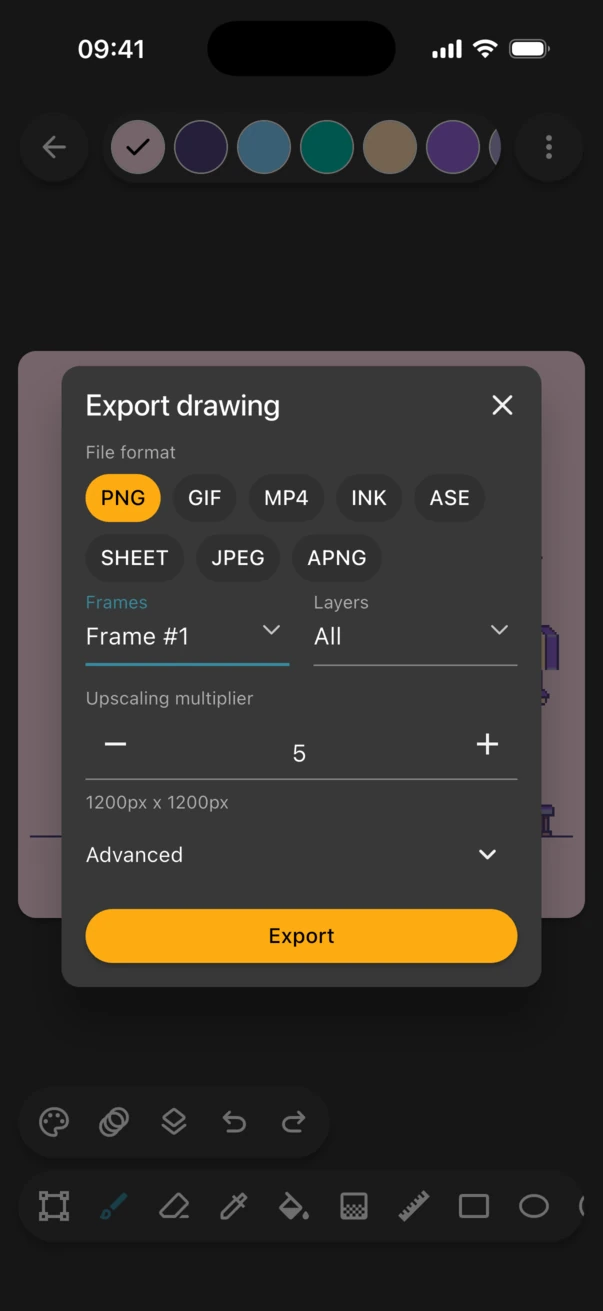
- Raise the Upscaling multiplier until the size shown below it is at least 1000px. The "Low-resolution image may appear blurry" warning disappears once the image is big enough.
- Tap Export and choose where to save the file.
Which multiplier should I use?
Pick the multiplier that takes your canvas past 1000 pixels. Inktica only offers whole numbers, so every pixel stays a perfect square.
| Canvas size | Multiplier | Exported size |
|---|---|---|
| 16×16 | 64× | 1024×1024 |
| 32×32 | 32× | 1024×1024 |
| 64×64 | 16× | 1024×1024 |
| 128×128 | 8× | 1024×1024 |
| 256×256 | 4× | 1024×1024 |
Use PNG, not JPEG
JPEG saves space by smudging fine detail, which shows up as fuzzy, off-colour edges around every pixel. Export still images as PNG, and animations as GIF, APNG or MP4.
Why pixel art looks blurry on Instagram, X or Discord
Social platforms resize and recompress everything you upload. A small image gets enlarged with smoothing and then compressed, so it loses sharpness twice. Upload an image that's already large, at least 1000px on its shorter side, and the platform has nothing to enlarge. Instagram doesn't accept GIFs, so export animations for Instagram as MP4.
Frequently asked questions
Why does my pixel art look blurry when I zoom in on my phone?
Your phone's photo viewer smooths small images as you zoom in. Export with a higher upscaling multiplier and the pixels stay sharp even when you zoom.
Does upscaling make the file much bigger?
A little. Large blocks of the same colour compress very well in PNG, so an upscaled pixel art image is usually still small.
Can I fix an image I already exported at 1×?
Export it again from Inktica with a higher multiplier. Enlarging the old file in another app usually brings the blur back.