Pixel perfect drawing
Brush, eraser, flood fill, gradient, line, rectangle, ellipse and pipette. Pixel perfect mode keeps lines one pixel wide.
 Inktica
Get the app
Inktica
Get the app
Create pixel art, animate sprites, and edit game textures on your phone or tablet. Inspired by early computer and console graphics.


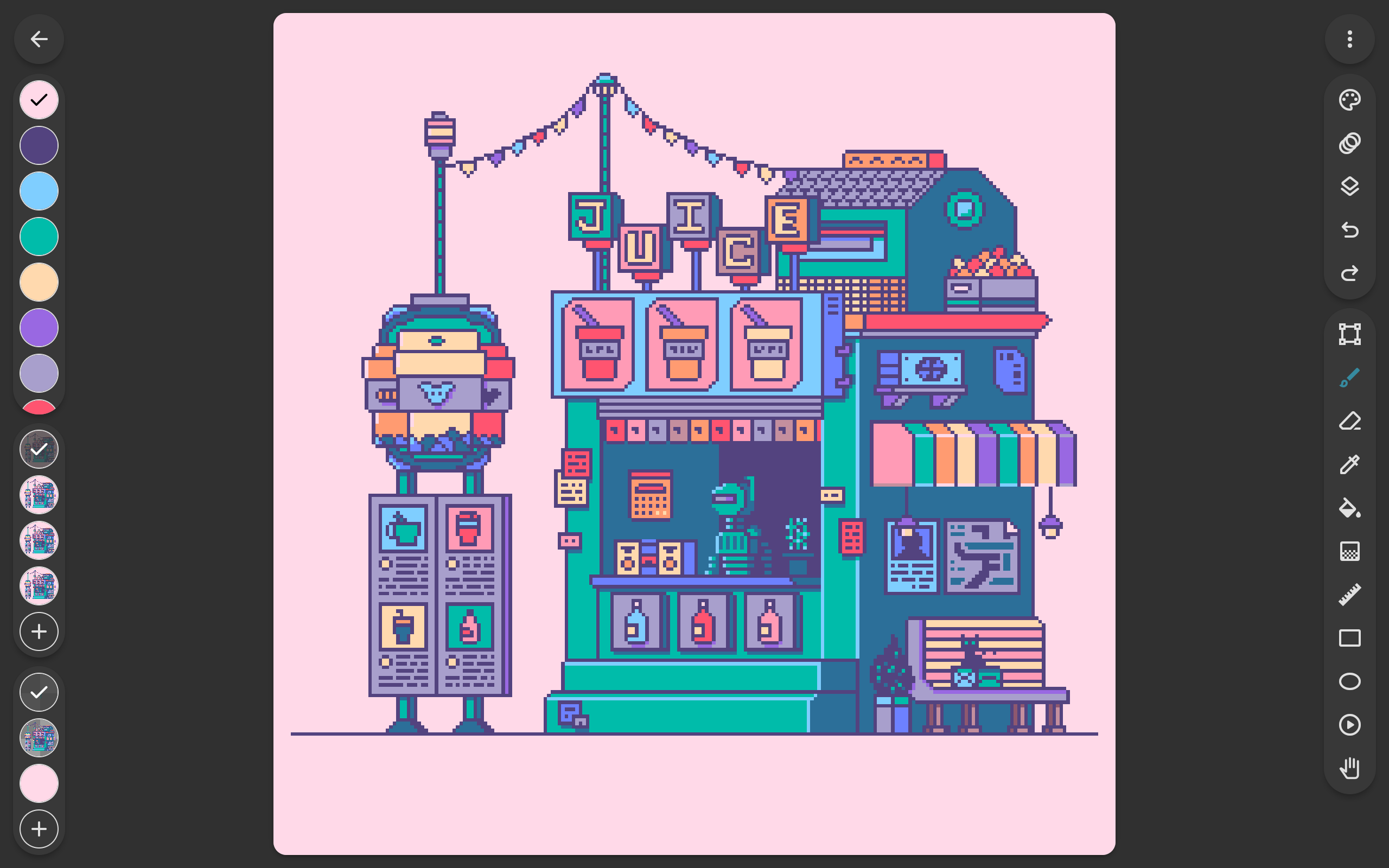
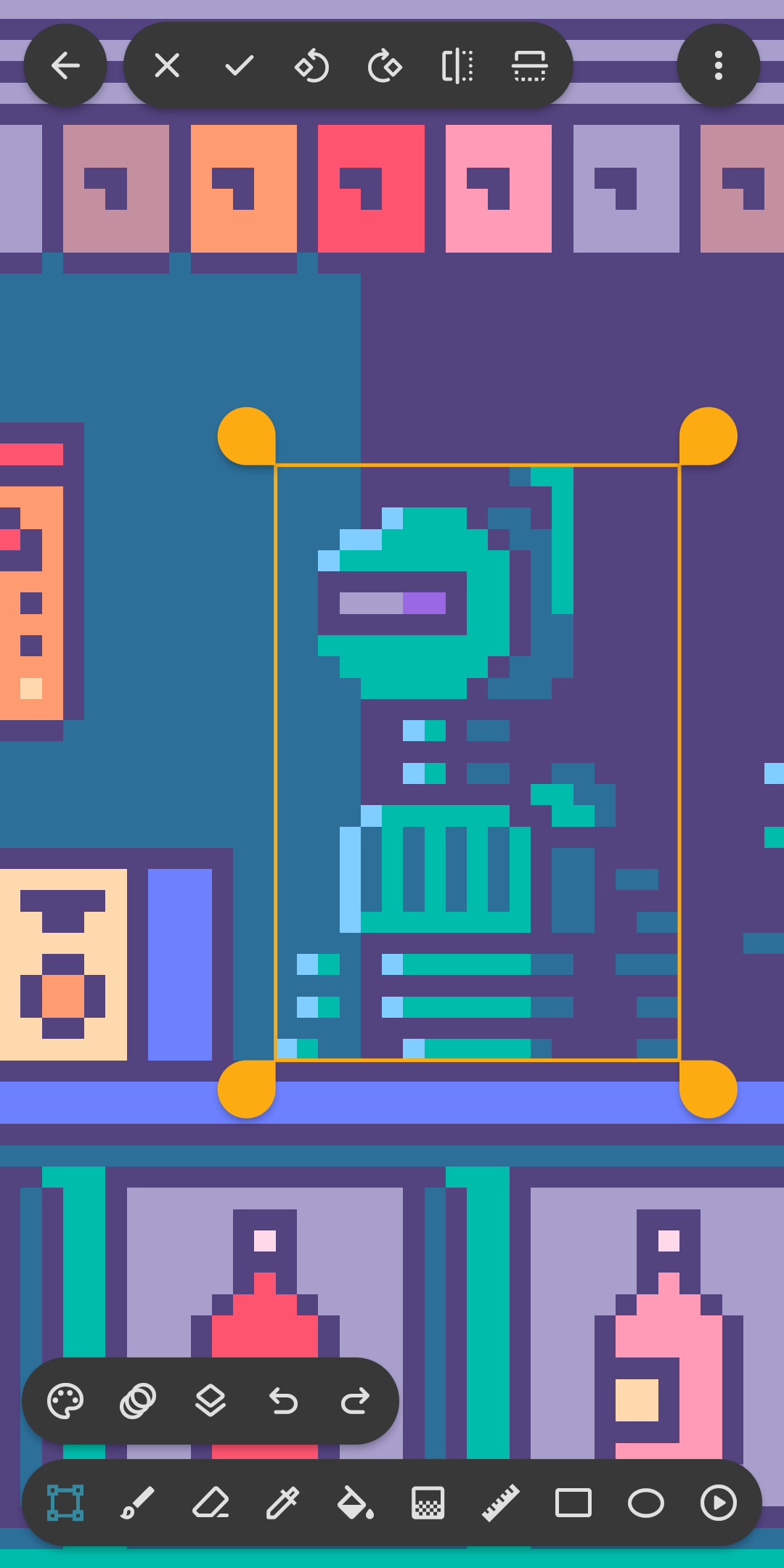
Draw, select, layer and animate with tools built for touch, then share or save your work in a tap.
Brush, eraser, flood fill, gradient, line, rectangle, ellipse and pipette. Pixel perfect mode keeps lines one pixel wide.
Copy, cut, move and paste parts of a drawing, and rotate or flip them before pasting.
Organise a drawing into layers and edit one part without touching the rest.
Animate frame by frame, with onion skin to compare the current frame with the previous one.
Start from presets based on the Atari 2600, NES and Game Boy, or import any palette from Lospec.
Get a fresh palette from Lospec every day, with a matching drawing template to start from.
Open an image from your gallery and keep it beside the canvas while you draw.
Share to social media or save to your device, with optional upscaling for crisp results.
Open Aseprite files (.ase, .aseprite) and common formats such as PNG, JPEG and GIF.
Save canvas settings as a template and start new drawings with them in one tap.
“I'm a professional freelance pixel artist - this is THE mobile app for us psychopaths who prefer to make pixelart on our phones. Sleek and unobtrusive UI, intuitive touchscreen controls, plenty of easy to understand convenience features, and regular updates to make things even better. Developer welcomes feedback, and regularly implements user suggestions. I paid for the pro version immediately, and have no regrets whatsoever.”
“I really recommend this app for animators and drawers!”
“It's the best drawing app! It's incredibly accessible, and you don't need to buy the paid version to use it properly. It's worked perfectly for me. I love the options it offers and how it lets you draw not only in pixel art style but also with a regular brush. My rating would be 100/10. I highly recommend it, and I can assure you it's ad-free—at least in the almost month I've been using it, I haven't seen a single one. Thanks for the service, Inktica!”
“It was a fun app to work with and taught me a lot about pixel art.”
“Wow, what an amazing editor. Been looking for anything close to aseprite for android devices for a few years now and this finally answers my prayers. Has layers and animation frames as well as some really neat options for downloading palettes from lospec. If there was anything to make it better I would say let us edit the amount of colors in our palette we can see at one time, i like seeing my whole palette as I work, but that is the single gripe I've had with this editor. Hats off to you dev”
“It was so simple almost no ads great for beginners and nothing wrong with it.”
“Bought it, it’s amazing.”
Answers to the questions artists ask most, from crisp exports to Lospec palettes.
Ask on Discord to get tips from other Inktica artists, or contact support.
Free to download on iOS and Android.